This document was developed by the HMIS Committee for our community to determine how we will approach Data Quality. You can view the document below or download it for your own reference.
If you are the designated Data Quality Officer for your organization and you have access to ClientTrack, you can access the DQO Workgroup by opening your Account Settings and choosing the following:
This workgroup will give you access to the following additional features. Scroll down this page to learn more about each one.
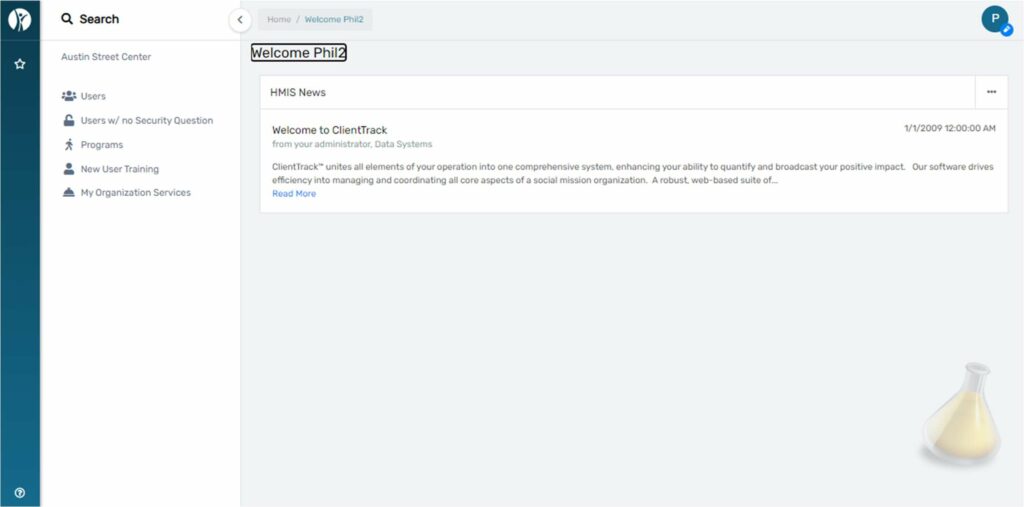
The dashboard of the DQO workgroup shows HMIS News. Check here for updates from your HMIS Admins:
The Users page shows all users for your organization. You can filter by Active, Inactive, and Pending:
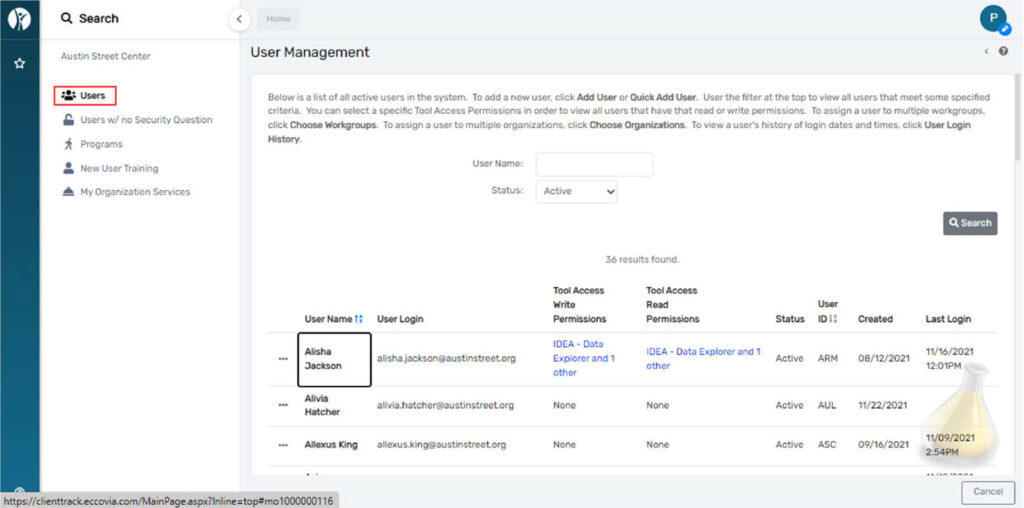
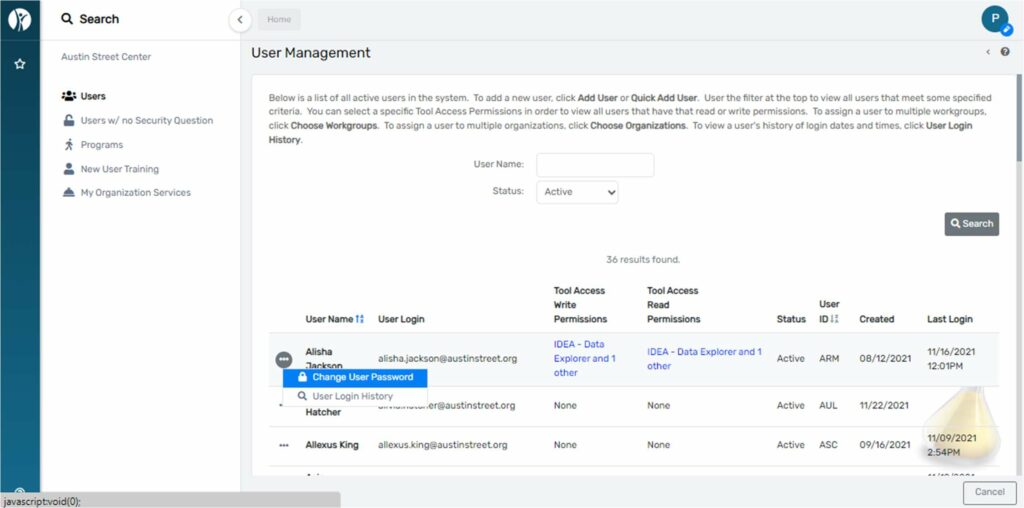
The action button to the left of each user will give you options to see user login history and update the user’s password:
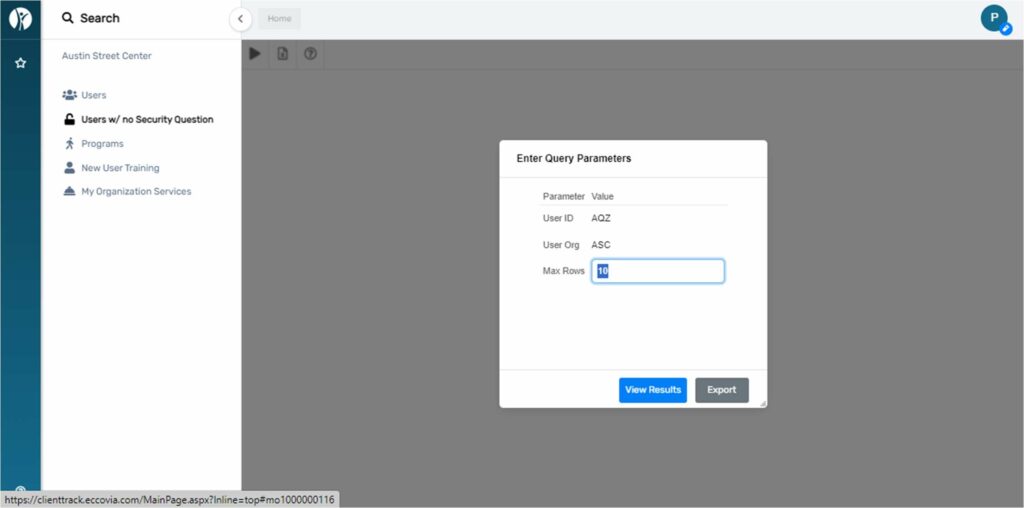
The Users w/ no Security Question page will populate a query that shows all users within your org who have not set their security question:
Programs will show by default all active HMIS programs in your organization. You can also see all programs regardless of active status and all programs regardless of their participation in HMIS :
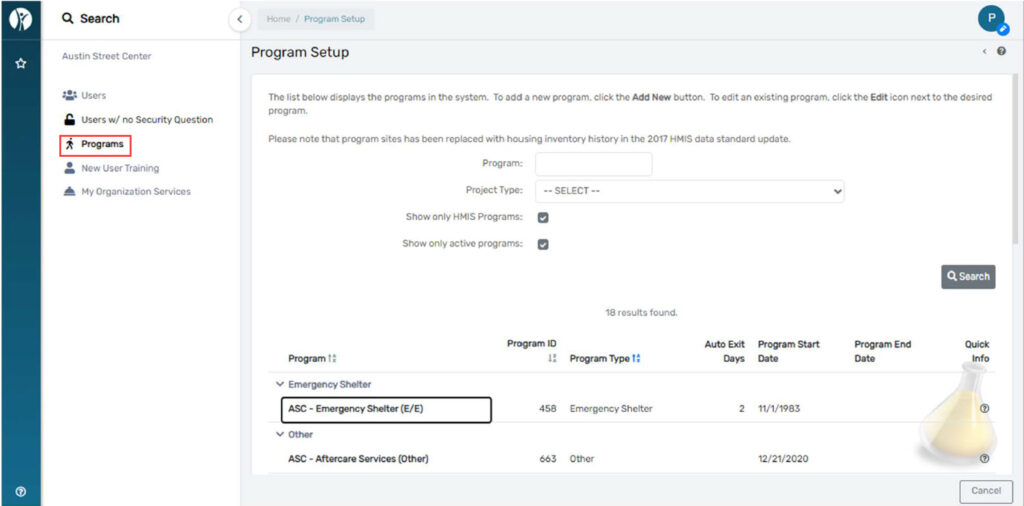
Please notify us if any programs listed under the active list should be ended.
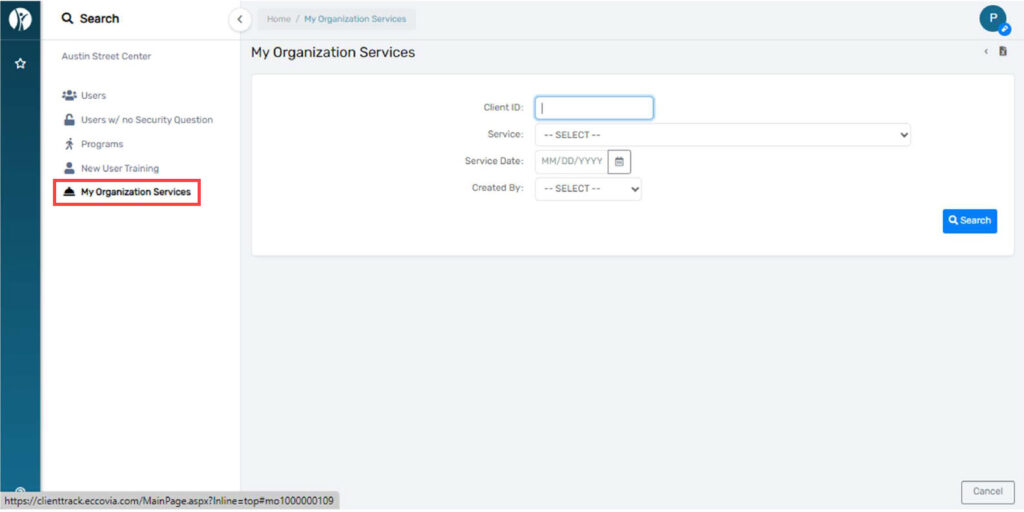
My Organization Services will list services created by your organization. You can filter by Client ID, Service,
Service Date, and the user who created the service:
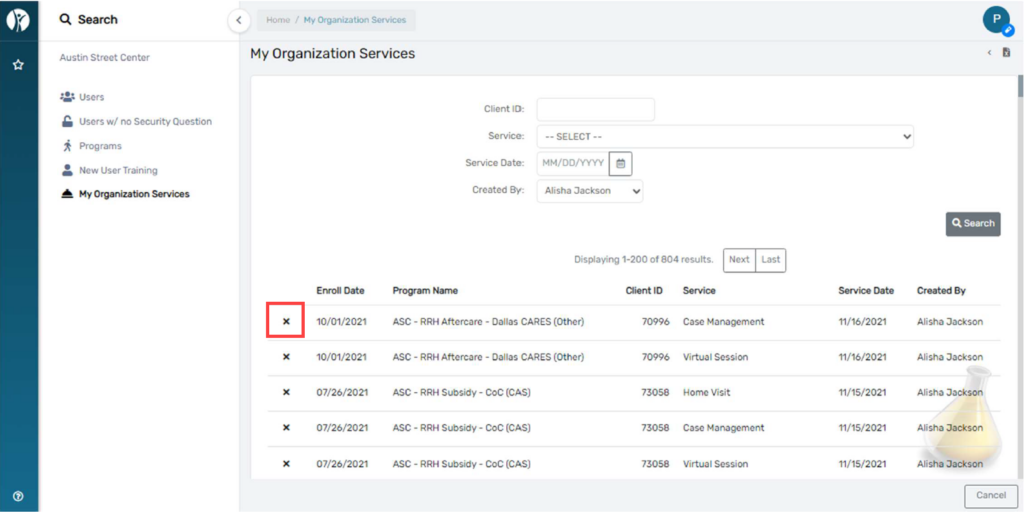
Filtering only by user will list all services created by the user. Click the “X” next to any service to delete it:
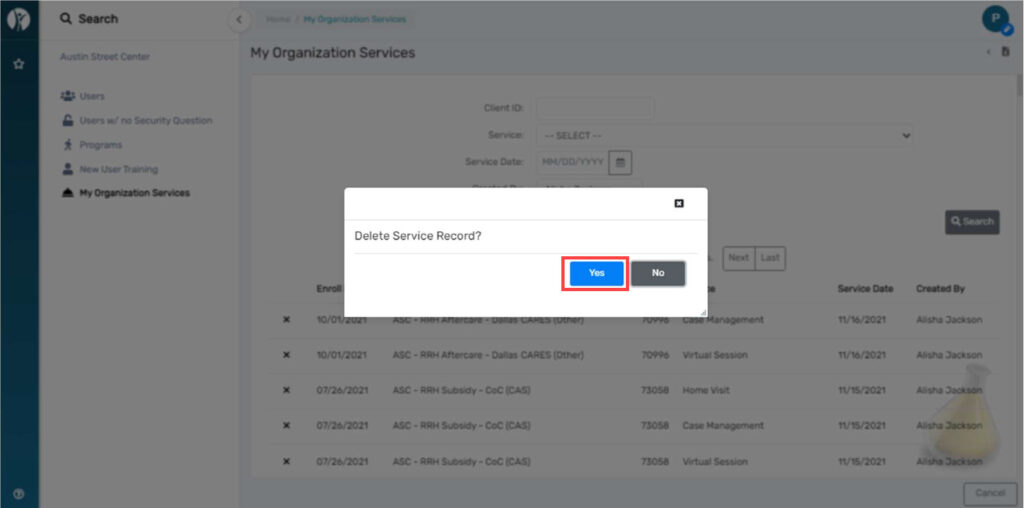
To confirm the deletion of the service click “yes” to confirm via the pop-up:
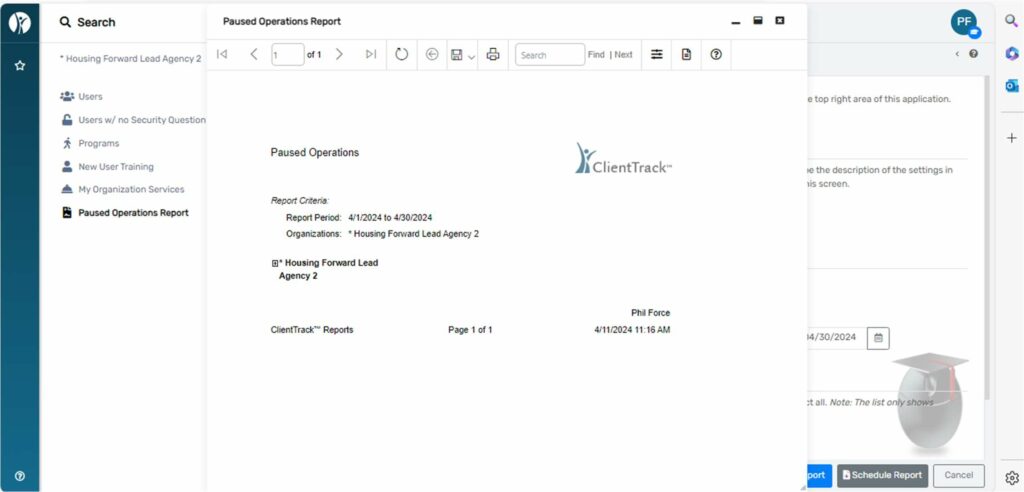
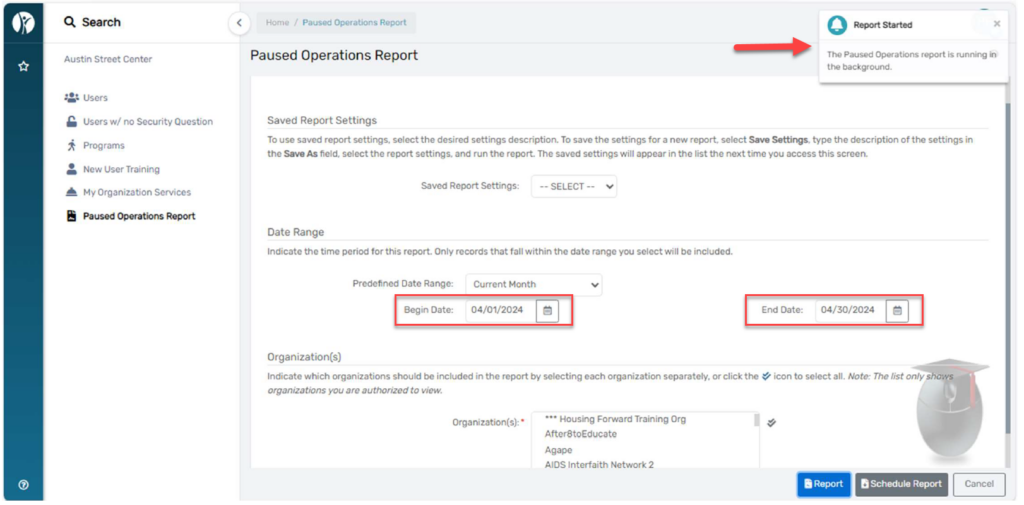
Paused Operations Report will show paused workflows for all users for your organization:
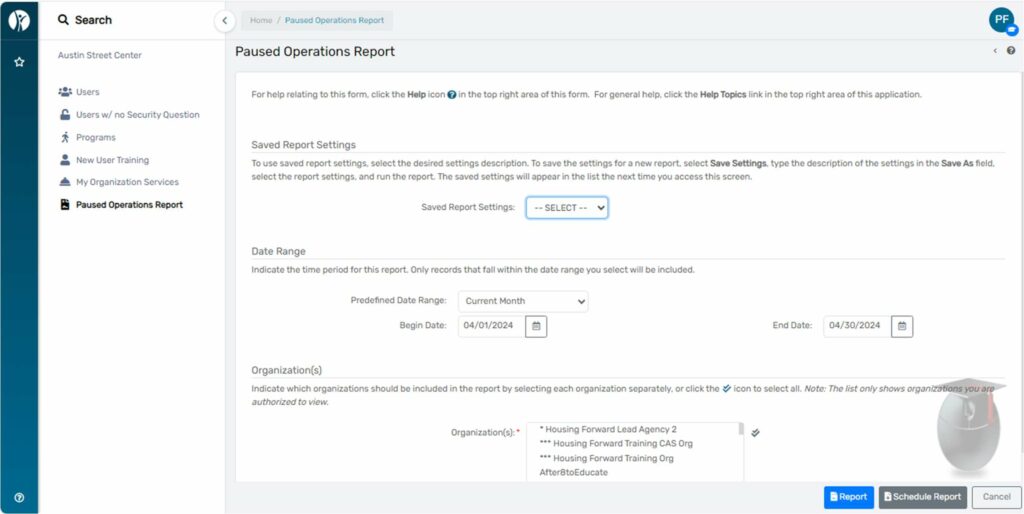
Enter your date range and click Report. You’ll see a notification on the top right of your screen that your
report is running:
When this is done you will see a pop-up like the one below: