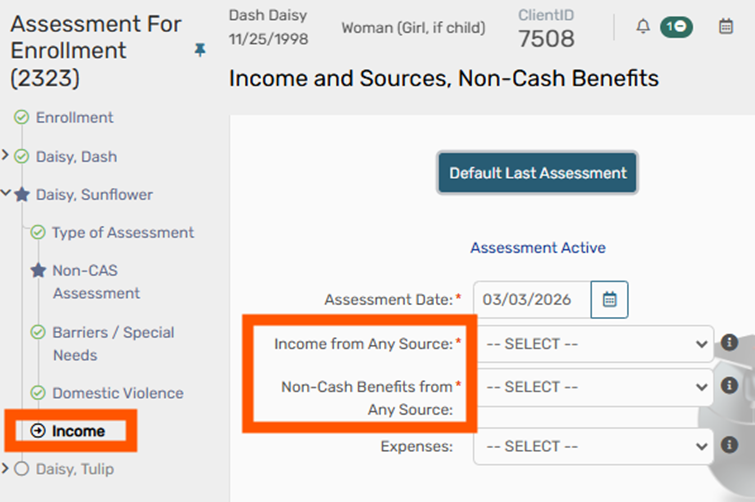


When a neighbor/client turns 18, these are the following data elements that must be added/updated.
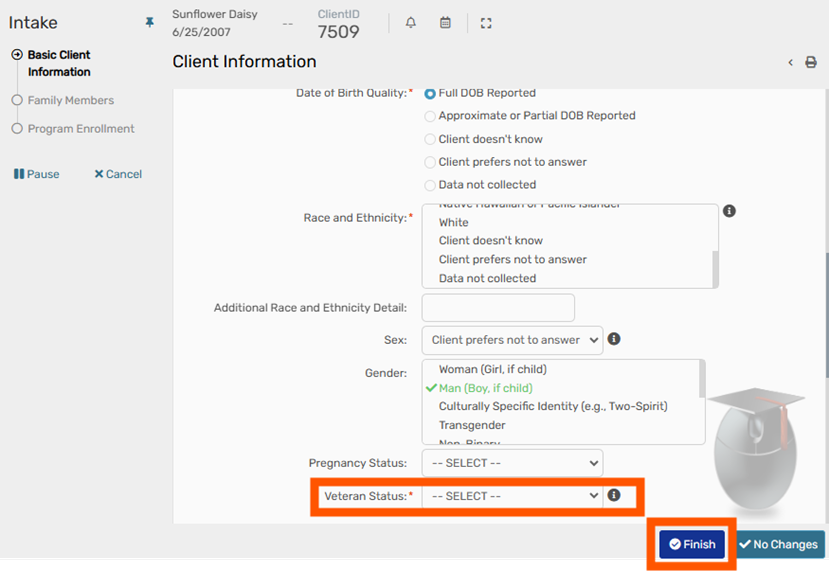
- Veteran Status
- Prior Living Situation
- Income and Sources
- Non-Cash Benefits
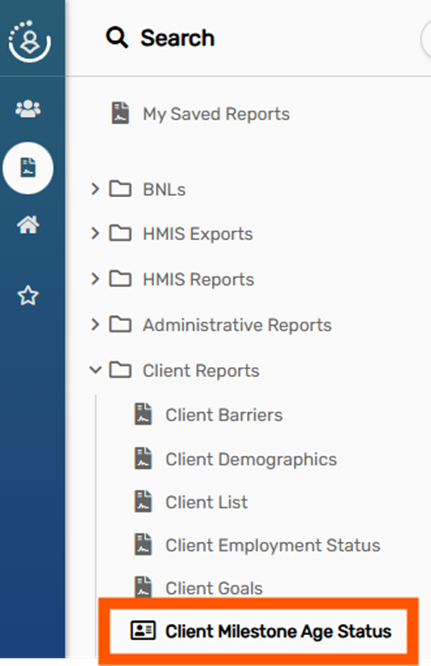
How will I know if a neighbor becomes 18, and updates are required?
Please run the “Client Milestone Age Status” report.
Veteran Status and Prior Living Situation #
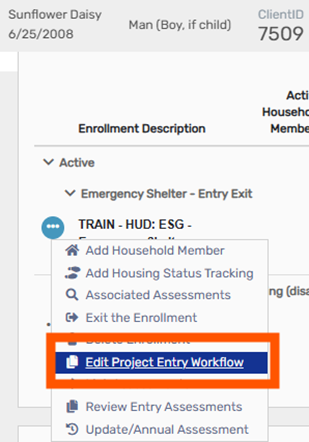
To update Veteran Status and PLS, please go to the 18-year-old’s Dashboard and select “Edit Project Entry Workflow” for the enrollment(s) affected.
Select their Veteran Status via the Basic Client Information page.
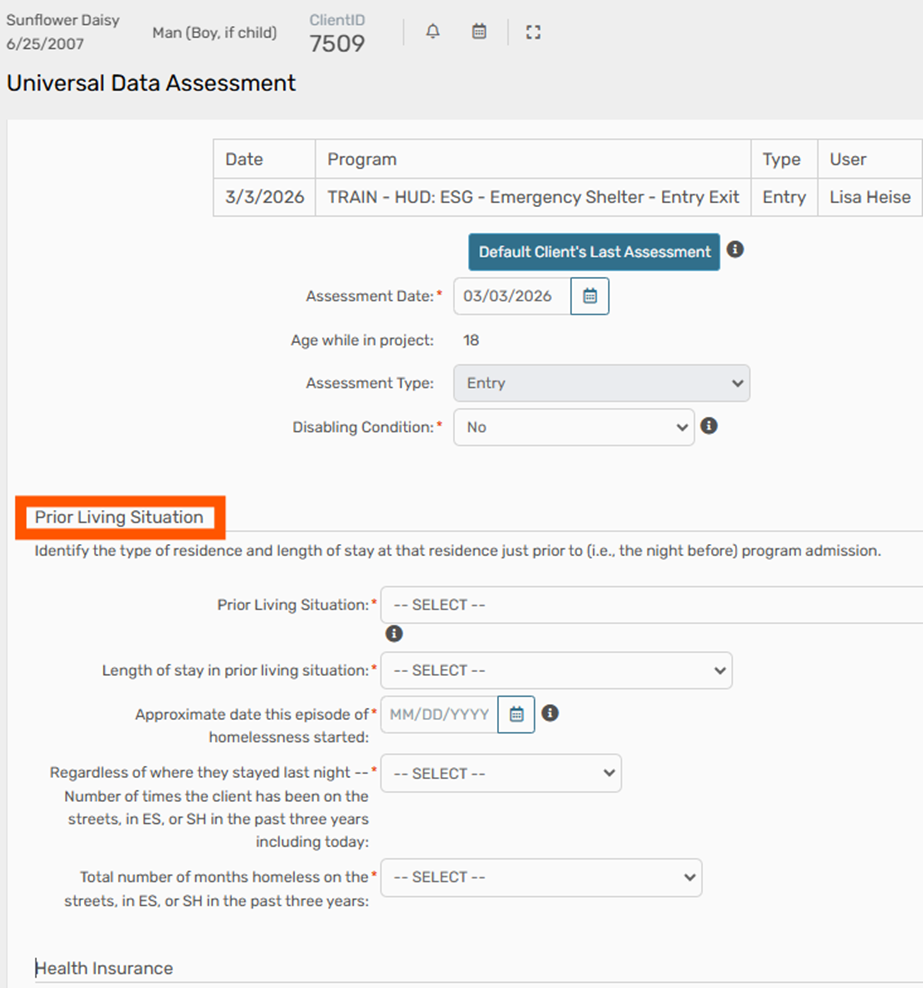
Continue through the workflow and update the newly turned 18-year-old’s Prior Living Situation. The PLS choices may appear different to you, as the questions are tied to Project Type.
Income and Sources and Non-Cash Benefits #
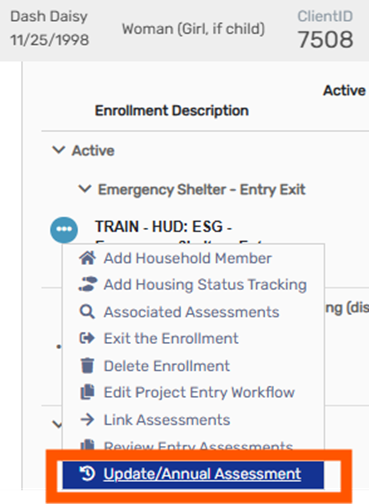
Income and Non-Cash Benefits will not appear when editing the Workflow, so an Update Assessment is required to add those fields. Please return to the Dashboard and select Update Assessment via the three dots.
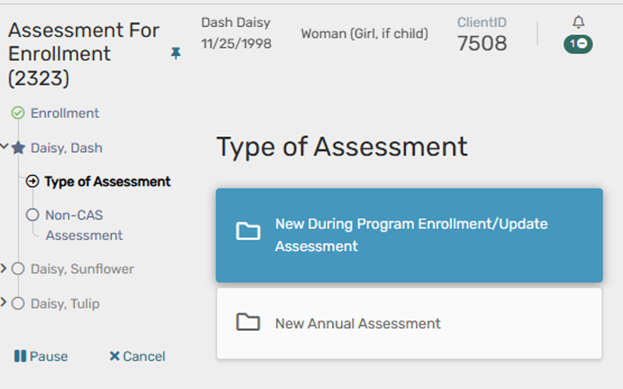
Now that the client is over 18 Income and Sources, and Non-Cash Benefits will be editable.